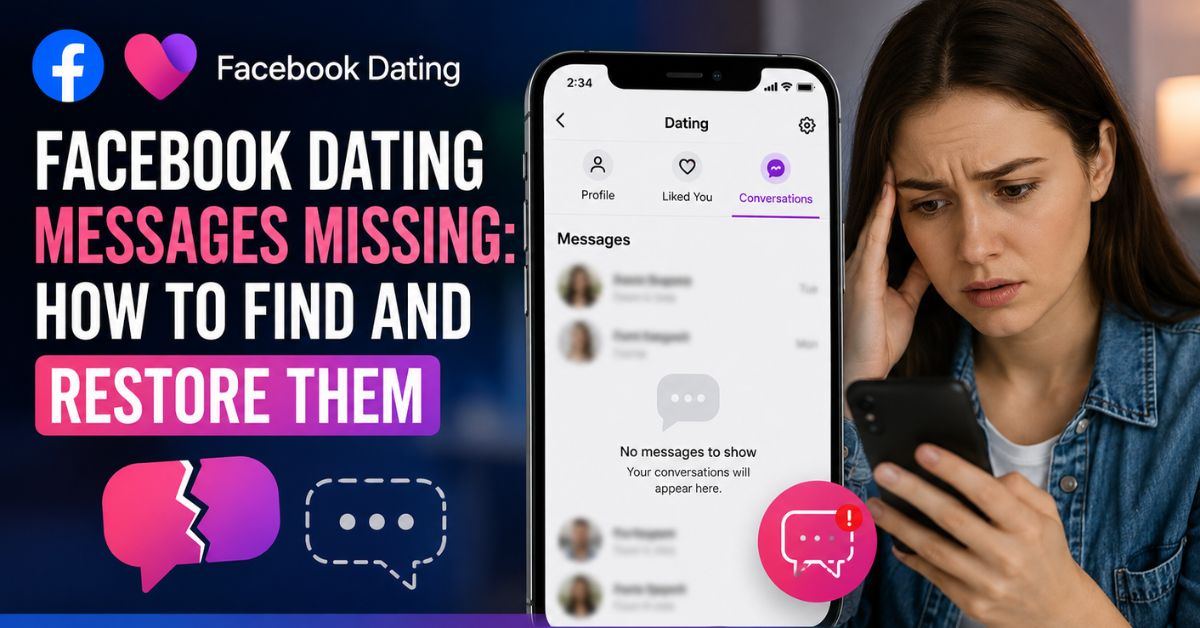
Nothing can be more frustrating than opening Facebook Dating only to discover that your conversations have disappeared. Whether you were chatting with a potential partner or had important messages you wanted to revisit, missing Facebook Dating messages can leave you confused and worried.
Fortunately, in many cases, there are simple explanations and solutions that can help you find or restore your conversations.
If you have been asking yourself, “Why are my Facebook Dating messages missing?” or “How do I get my Facebook Dating chats back?”, this guide will walk you through everything you need to know.
Why Are Facebook Dating Messages Missing?
Facebook Dating messages can disappear for several reasons. In some cases, the issue is temporary and can be fixed easily. In other situations, the messages may be permanently unavailable.
One of the most common reasons is that the other person unmatched you. When someone unmatches or deletes their Dating profile, the conversation between both users disappears automatically.
Technical glitches can also cause messages not to load properly. Problems with your internet connection, an outdated Facebook app, or temporary Facebook server issues may prevent your conversations from appearing.
Another common mistake is checking Facebook Messenger. Many users assume that Facebook Dating chats are stored in Messenger, but Facebook Dating has its own separate messaging system.
How To Find Missing Facebook Dating Messages
Before assuming your chats are gone forever, there are several things you should check.
Start by opening the Facebook app and navigating to the Dating section. Once inside, tap the Messages icon located near the top of the screen. Sometimes the chats simply fail to load immediately, and refreshing the page may bring them back.
If you recently updated your phone or changed devices, make sure you are signed in with the correct Facebook account. Logging into another account can make it seem like your conversations have disappeared.
Restart the Facebook App
Temporary glitches are among the most common causes of missing conversations. Closing the Facebook app completely and reopening it often solves the issue.
If the problem persists, try logging out of Facebook and signing back in. This refreshes your account data and may restore missing chats.
Update the Facebook App
Using an outdated version of Facebook can cause certain features, including Facebook Dating, to malfunction. Visit the Google Play Store or Apple App Store and check whether an update is available.
Installing the latest version ensures that you have access to bug fixes and improvements that may resolve the issue.
Check Your Internet Connection
A weak network connection can prevent Facebook Dating messages from loading properly. Switching from mobile data to Wi-Fi, or vice versa, may help.
You can also restart your router or enable airplane mode for a few seconds before reconnecting to the internet.
Clear Facebook App Cache
Over time, corrupted cache files may interfere with Facebook’s performance. Clearing the cache can improve the app’s functionality.
Android users can do this by going to:
Settings → Apps → Facebook → Storage → Clear Cache
After clearing the cache, reopen Facebook Dating and check whether your messages have returned.
Uninstall and Reinstall the Facebook App
If none of the previous solutions work, uninstalling and reinstalling Facebook may help. This process removes temporary files and installs a fresh version of the app.
After reinstalling, log in again and access Facebook Dating to see if your conversations reappear.
Can Deleted Facebook Dating Messages Be Restored?
Unfortunately, Facebook does not currently offer a feature that allows users to recover permanently deleted Dating messages.
If someone unmatched you or deleted their profile, the associated conversation usually disappears permanently. Likewise, if you intentionally deleted a chat, there is no official recovery option available.
Because of this, many users choose to exchange phone numbers or other contact details after establishing trust with a match.
Why Did My Facebook Dating Match Disappear?
Sometimes it is not the message itself that is missing, but the entire match. This may happen when:
- The person unmatched you.
- Their Facebook Dating profile was deleted.
- They deactivated their Facebook account.
- Facebook removed the account for violating community standards.
- There is a temporary server issue.
Tips to Prevent Losing Facebook Dating Conversations
To avoid losing important chats in the future, make sure your Facebook app is always updated. Maintain a stable internet connection and avoid clearing app data unnecessarily.
If you’ve built trust with someone, consider exchanging contact information outside Facebook Dating. This provides an alternative way to stay connected if chats disappear unexpectedly.
Conclusion
Discovering that your Facebook Dating messages are missing can be disappointing, but the issue is often caused by minor glitches or account-related changes. In many cases, simply refreshing the app, updating Facebook, or checking your internet connection can restore your conversations.
However, if someone has unmatched you or deleted their profile, the messages are usually gone permanently. By understanding how Facebook Dating works and taking a few precautions, you can enjoy a smoother experience and avoid losing important connections in the future.
Frequently Asked Questions
Can I recover deleted Facebook Dating messages?
No, once a Facebook Dating conversation is deleted or removed because of an unmatched profile, there is currently no official recovery method.
Why did my Facebook Dating match disappear?
The person may have unmatched you, deleted their profile, or deactivated their Facebook account.
How do I refresh Facebook Dating?
Close the app completely, reopen it, and ensure you have a stable internet connection. Updating the Facebook app may also help.