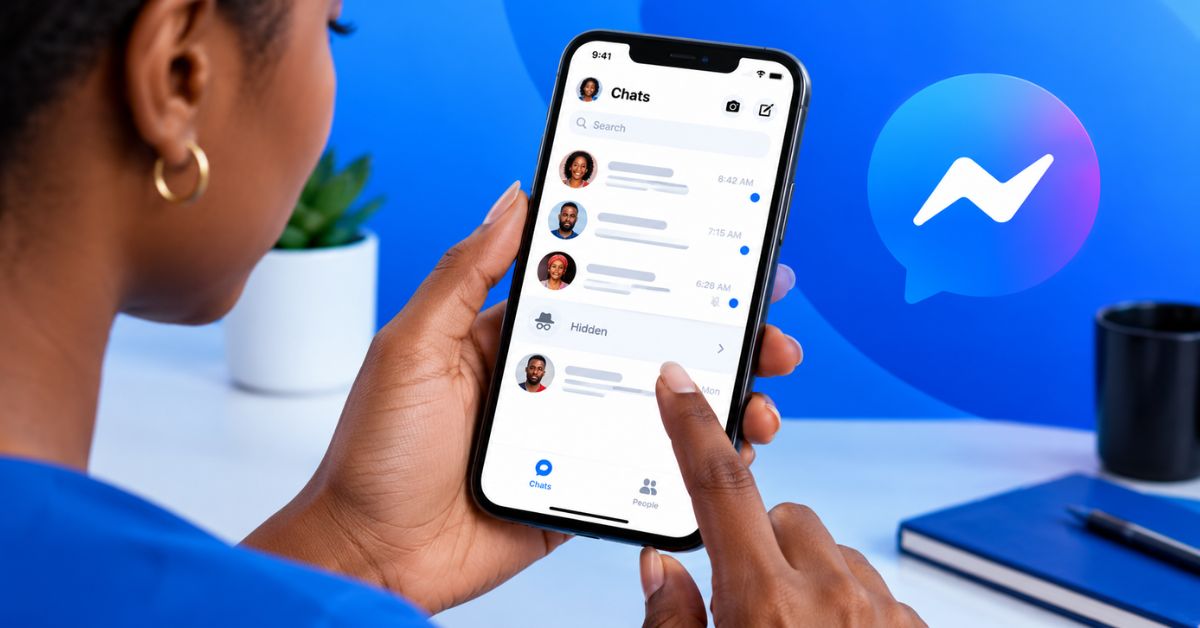
There is a particular kind of Messenger problem that can be more confusing than an obvious error: someone tells you they sent a message, but there is nothing in your inbox.
Sometimes the conversation is simply sitting somewhere you did not check. In other cases, the issue may involve the account, the app, message filtering or the way the conversation was handled.
Before assuming that Messenger has deleted the message, there are several places worth checking.
Facebook Messenger Messages Are Not Showing Up and What to Check
Check Your Message Requests
Start here if the person is not someone you regularly communicate with. Messenger can separate certain incoming communications from your main conversations. This means a message from a new contact may not appear beside your familiar chats.
Look for the “Message Requests” section in Messenger and examine any relevant conversations.
Search for the Person’s Name
If you remember who sent the message, use Messenger’s search function. Instead of scrolling through dozens or hundreds of conversations, search for the person’s name. This is especially useful if you have many chats or if the conversation is not near the top of your inbox.
Check Archived Conversations
An old conversation may have been archived rather than deleted. If you previously communicated with someone but the chat is no longer visible in your main list, check your archived conversations.
Archiving and deleting are not the same thing, so do not assume that a missing chat has automatically been erased.
Check Whether You Are Looking at the Correct Account
This sounds obvious, but it can cause confusion when someone uses multiple Facebook accounts. If you have more than one account, make sure Messenger is connected to the account where the person claims to have sent the message.
This is particularly worth checking if you recently logged out, changed accounts or switched between Facebook profiles.
Check Your Internet Connection
A weak or unstable internet connection can prevent Messenger from loading the latest conversations correctly. Try switching between Wi-Fi and mobile data and then reopen Messenger.
If other online services are also struggling, the problem may be your connection rather than your inbox.
Update Messenger
Apps change frequently, and an outdated version can sometimes behave differently from the current version. Check your device’s app store to see whether an update is available. After updating, reopen Messenger and check the conversation again.
Ask the Sender to Send Another Message
If someone tells you that they sent a message but you cannot locate it, ask them to send a new short message. If the new message appears, you can compare the two situations instead of guessing what happened to the original.
Consider Whether the Message Was Removed
A message may no longer be visible because it was removed or unsent. This is different from a technical failure where the message exists but is not currently appearing in your inbox.
If the sender tells you that they removed the message, there may be nothing you can do to restore that particular message.
Don’t Assume You Have Been Blocked
A missing message does not automatically prove that someone blocked you. There are multiple reasons why a conversation may not appear where you expect it to.
Jumping straight to “they blocked me” can therefore create unnecessary confusion, particularly when the problem is simply an inbox location or account issue.
What If Only One Conversation Is Missing?
If every other conversation works normally and only one chat seems to have disappeared, focus your troubleshooting on that conversation. Search for the person’s name, check archived chats and message requests, and confirm that you are using the correct account.
If several conversations are missing at the same time, then it makes more sense to investigate the app, connection or account itself.
Messenger Privacy Still Matters
It is also worth remembering that messages are personal communications. Meta’s privacy documentation explains that information processed through its products can include communications and other information provided when people use Meta products.
That is another reason not to give random third-party applications access to your Messenger account simply because you are trying to recover or locate a missing conversation.
When Should You Be Concerned?
A missing conversation is worth investigating more seriously if you notice other unusual account behaviour at the same time. For example, unexpected login activity, changes to account settings or messages sent from your account that you did not write are more concerning than one conversation being difficult to locate.
In that situation, concentrate on securing your Facebook account rather than simply trying to find the missing chat.
Final Thoughts
When Facebook Messenger messages are not showing, the answer is not always that the message has disappeared. Check message requests, search for the person’s name, look through archived chats, confirm the correct account, check your internet connection and update the app.
These simple checks can solve many cases without assuming that something serious has happened. And if the conversation still cannot be found, asking the sender to send another message can help establish whether you are dealing with a missing old conversation or a wider Messenger problem.