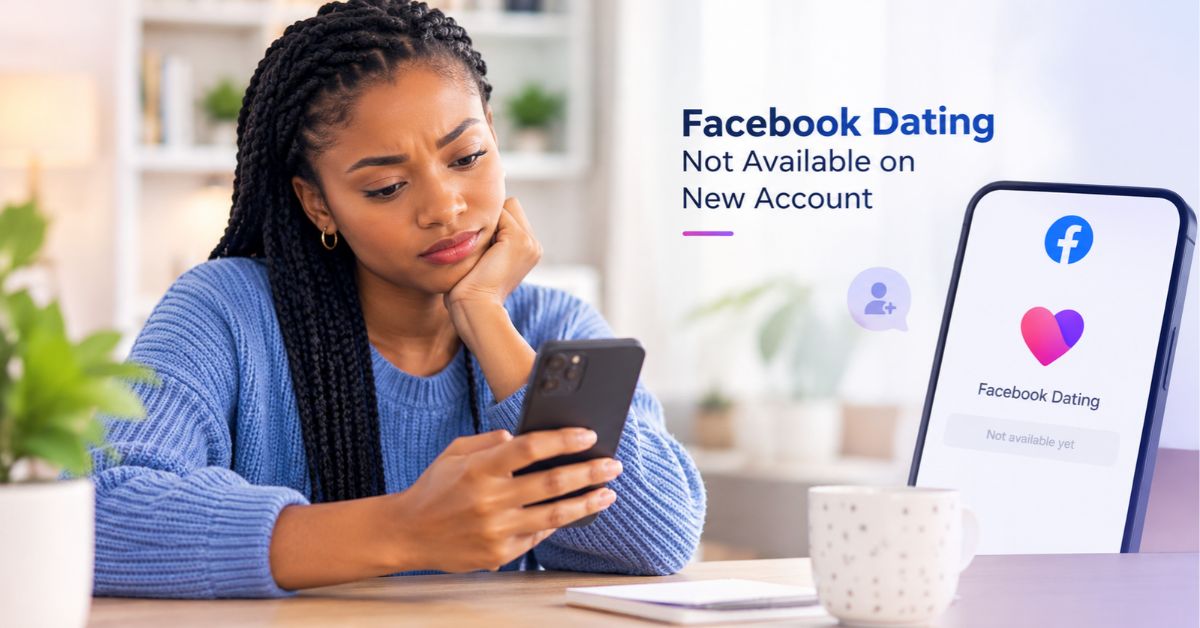
You have created a Facebook account, added your profile picture, and opened the menu expecting to find Facebook Dating. Instead, the option is missing. Perhaps your friends can access Dating without difficulty, leaving you wondering what is wrong with your account.
The frustrating part is that your new Facebook account may work perfectly well for posting, commenting, and sending messages while still being ineligible for Dating.
Facebook Dating has separate access requirements, and creating an account does not automatically unlock the feature. Here are the reasons your new account may not have access and what you can realistically do about it.
1. Your Facebook Account Is Too New
This is one of the first things to investigate.
According to Meta’s eligibility requirements, your Facebook account must be at least 30 days old and in good standing to use Facebook Dating. Therefore, creating an account today and immediately searching for Dating will not necessarily work.
The waiting period is particularly frustrating for people who have joined Facebook specifically to meet potential partners.
What you can do: Check when you created your account and allow it to reach the required age. Reinstalling Facebook or repeatedly searching for Dating will not make a new account older.
2. Facebook May Consider Your Account Inactive
An account can exist for months without being used regularly. Meta identifies new or inactive accounts as possible reasons for restricting access to Facebook Dating.
For example, you might have created your account several months ago but rarely opened it. Alternatively, you may have returned to Facebook after a long break and immediately tried to activate Dating.
However, Facebook does not publish a precise activity schedule that guarantees access.
What you can do: Use Facebook normally, complete your profile accurately, and interact with people or pages you genuinely care about. Avoid artificial activity intended to manipulate the system. Regular use does not guarantee Dating access, but it is more sensible than creating multiple accounts.
3. Your Country May Not Support Facebook Dating
Sometimes the problem has nothing to do with your account’s age. Facebook Dating is available only in supported countries. Being able to use the regular Facebook app does not mean you can access every feature offered within it.
This matters particularly if you recently moved abroad, are travelling, or created your account while living in a country where Dating is unavailable.
What you can do: Check Meta’s current list of supported countries through the official Facebook Help Center. Do not change your location details or use a VPN to pretend you live somewhere else. Doing so may create additional account or location problems.
4. Your Account May Have an Access Restriction
Meeting the age and account-duration requirements does not guarantee access. Meta says it may restrict Facebook Dating access when an account is new, inactive, or has violated its Terms of Service, Community Standards, or other policies.
If you created a new account after experiencing restrictions on another account, do not assume the new account will automatically qualify for Dating.
Check your Facebook notifications and account status for any warnings or restrictions. If Facebook identifies a violation and provides an appeal option, follow the official process.
Avoid paying strangers who promise to unlock Dating. They cannot guarantee that Meta will restore access.
5. You Are Looking in the Wrong Place
Facebook Dating is accessed through the Facebook mobile app for Android and iPhone, rather than the regular desktop website.
If you are checking Facebook through a computer browser, you may not find the feature regardless of your account’s age. Even on a phone, the menu can look different depending on your app version and interface.
Try this:
- Open the official Facebook app on your phone.
- Tap the menu.
- Look under the available shortcuts or select See more, if displayed.
- Search for Dating within Facebook, if that option is available.
- Update the app if you are using an outdated version.
If Dating remains missing, investigate your account eligibility instead of repeatedly reinstalling the application.
6. Your Friends Have Facebook Dating, but You Don’t
This situation can be especially confusing. Two people may live in the same country and use Facebook on similar phones, yet only one can access Dating.
The reason is that feature availability depends on more than location or the device being used. Account age, activity, eligibility, and restrictions can all make a difference.
Consequently, your friend’s ability to use Dating does not prove that your account should have access.
Check your account’s age, status, and location eligibility first. If everything appears correct, report the missing feature through Facebook’s official Help and support section.
How Long Should You Wait Before Trying Again?
If your account is less than 30 days old, wait until it meets the minimum account-age requirement before checking again.
If it is already older than 30 days, there is no universal waiting period that guarantees access. You may need to investigate account restrictions, supported-country availability, or an application problem.
Avoid deleting your account and repeatedly creating new ones. Doing so can restart the waiting period and make the situation more complicated.
Conclusion
If you cannot access Facebook Dating with your new account, it does not automatically mean Facebook has banned you. Your account may simply be too new, inactive, restricted, or located somewhere Dating is unavailable.
Start by checking the account-age requirement, confirm that Dating operates in your country, and use the official mobile application.
If you meet the requirements but still cannot access the feature, report the problem directly to Facebook. This is more useful than following unofficial tricks that promise instant activation but cannot guarantee results.
Make the opening more distinctiveAdd a practical troubleshooting checklist