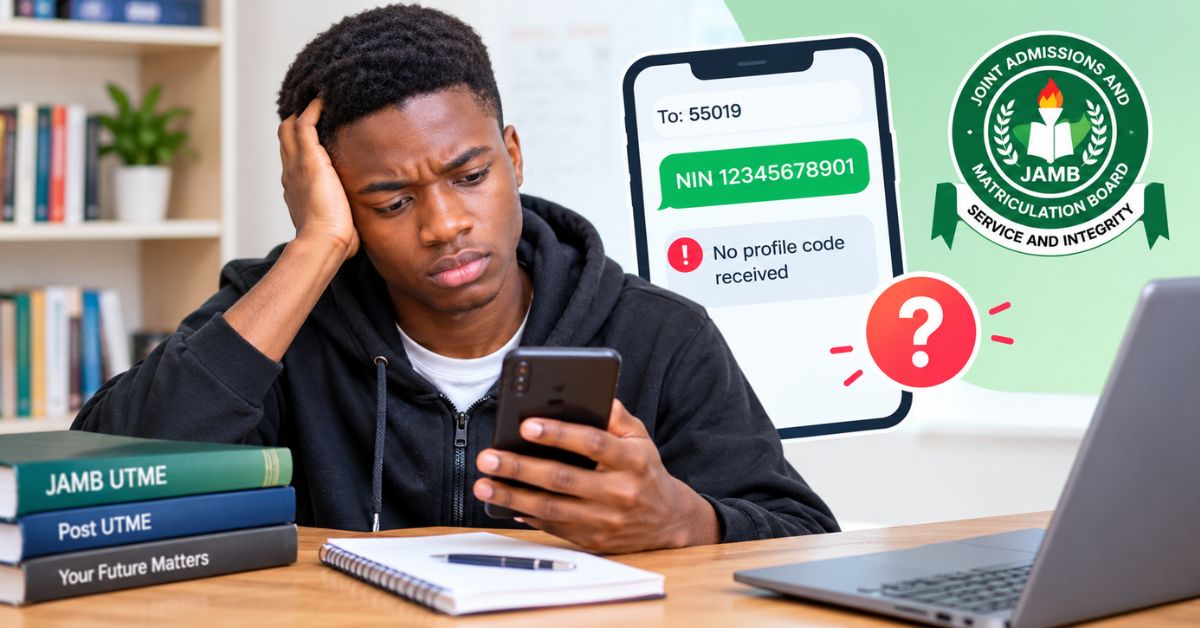
Getting a JAMB profile code is one of the first things a candidate needs before completing the UTME registration process. The problem is that sending your NIN to the correct JAMB short code does not always result in a message that appears immediately.
This can leave candidates wondering whether the NIN was rejected, whether they should send another message, or whether they need to visit a JAMB office.
If your JAMB profile code is not received after sending your NIN, don’t immediately create another profile or keep sending random messages. There are specific things you can check first.
For the 2026 registration process, JAMB states that candidates use their unique phone number to create their profile, and the profile code is tied to that number. JAMB’s published procedure also says candidates can retrieve a lost profile code by sending RESEND from the same mobile number to 55019 or 66019.
What Is a JAMB Profile Code?
A JAMB profile code is a unique code generated for a candidate when the candidate’s NIN is used to initiate the JAMB registration process. It is not the same thing as your JAMB registration number.
The profile code comes earlier in the process and is used when obtaining the JAMB e-PIN and proceeding with registration at an accredited CBT centre. For the 2026 UTME/DE process, JAMB says the phone number used for the process is important because it remains connected to the candidate’s profile and future transactions with the Board.
That means candidates should take care not to casually change the phone number associated with their JAMB profile.
Why You May Not Receive Your JAMB Profile Code
There are several possible reasons.
1. You sent the message in the wrong format
JAMB instructs candidates to send: NIN [space] your 11-digit NIN
For example: NIN 12345678901
The word NIN should be followed by a space before the number. JAMB’s 2026 training material confirms that the candidate sends the NIN in this format to 55019 or 66019 to receive the profile code.
2. You used a different phone number
The phone number matters because JAMB connects the profile to the unique SIM used during the process. If you sent your NIN from a different number from the one associated with your previous JAMB records, this can create problems.
JAMB has specifically advised previous candidates to use the same phone number where applicable, while the 2026 procedure emphasizes that the unique phone number is tied to the candidate’s profile.
3. Your NIN details may not match
If the information associated with your NIN does not match the information being used for the JAMB process, you may encounter difficulty. This is one reason candidates should ensure that their NIN information is correct before starting registration.
4. Network or SMS delivery problems
Sometimes the problem is simply communication between the mobile network and the JAMB service. If the message was sent successfully but no response arrived, give the system some time before repeatedly sending messages.
Repeated attempts do not necessarily solve the underlying problem.
What to Do If Your JAMB Profile Code Is Not Received
Start with the simple checks.
Step 1: Confirm that you sent the correct message
Check your sent SMS, it should contain:
NIN + space + your 11-digit NIN
Then confirm that you sent it to 55019 or 66019.
Step 2: Check that you used the correct SIM
If you have more than one phone number, make sure you used the number intended for your JAMB registration. This is particularly important for candidates who registered with JAMB in a previous year.
Step 3: Avoid creating another profile unnecessarily
If you already have a JAMB profile, don’t assume that creating another one will solve the problem. JAMB’s 2026 instructions emphasize the importance of the unique profile and phone number used for the registration process.
Step 4: Try the RESEND option
If you previously generated a profile code but cannot receive or remember it, JAMB provides a retrieval method. Send: RESEND to 55019 or 66019 from the same mobile number.
JAMB’s FAQ specifically lists this method for retrieving a lost profile code.
Step 5: Use JAMB’s support system if the problem continues
If the issue is not resolved, don’t pay an unofficial person simply because they claim they can generate the code for you.
JAMB’s published guidance directs candidates with profile-code and registration problems to its support/ticketing channels.
Can You Register for JAMB Without a Profile Code?
For the standard registration process, the profile code is part of the process before obtaining and using the e-PIN at a JAMB-accredited CBT centre. JAMB’s 2026 procedure states that candidates present the profile code when procuring the e-PIN and then present the e-PIN at an accredited CBT centre for registration.
So, if your profile code has not arrived, it is better to resolve that problem instead of trying to bypass the process.
Keep Your Profile Code Safe
Once you receive your JAMB profile code, save it somewhere you can access later. You can write it in a secure notebook, save it in your personal records or keep the original SMS.
Also keep your registration-related information private. JAMB advises candidates to protect confidential registration information such as passwords and e-PINs.
Conclusion
A JAMB profile code not received problem does not automatically mean that your registration has failed.
First, confirm that you used the correct NIN format and the appropriate phone number. If you previously generated the code, try sending RESEND to 55019 or 66019 from the same number. If the problem remains, use JAMB’s official support channels rather than paying an unofficial agent.
For 2026 candidates, keeping the correct SIM and registration details together from the beginning can prevent unnecessary problems later in the JAMB process.