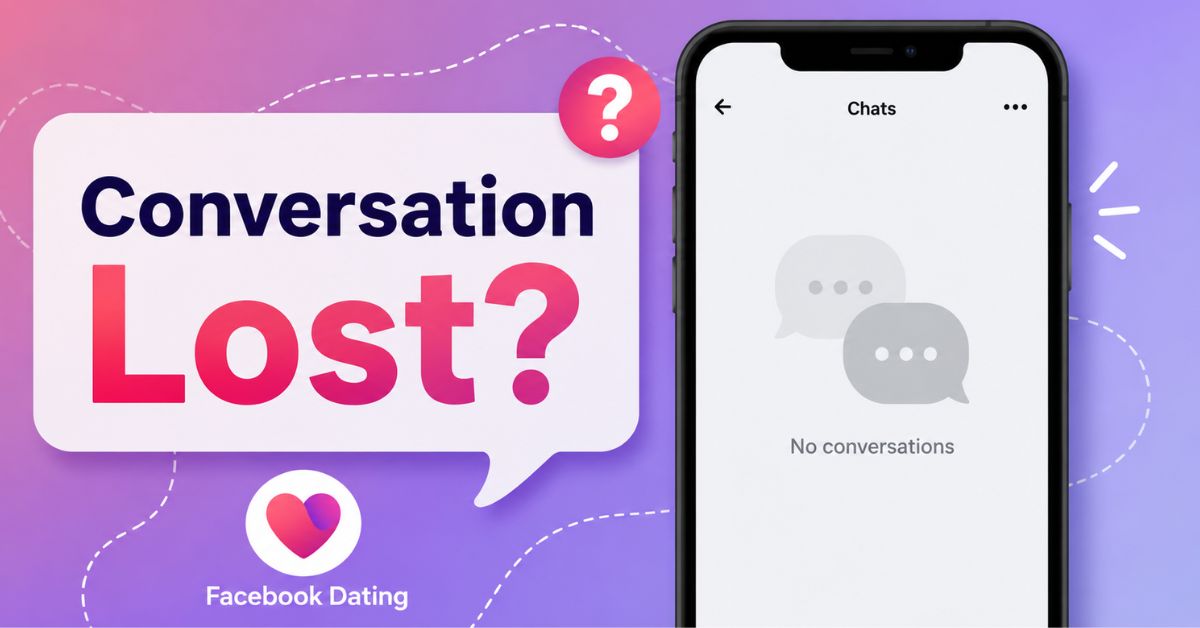
Have you opened Facebook Dating only to realize that an important conversation has disappeared? Whether you were chatting with someone you genuinely liked or had an ongoing conversation that suddenly vanished, it can be frustrating trying to figure out what happened.
The good news is that not every missing conversation is permanently lost. In many cases, the issue is caused by app glitches, account settings, or actions taken by either you or the other person.
This guide explains the most common reasons Facebook Dating conversations disappear and the practical steps you can take to recover them. We’ll also cover situations where recovery simply isn’t possible, so you know what to expect.
Why Facebook Dating Conversations Disappear
Before attempting to recover your chats, it helps to understand why they may have gone missing in the first place. Some of the most common reasons include:
- A temporary Facebook app glitch
- Poor internet connection
- Outdated Facebook app
- Facebook server maintenance
- You accidentally unmatched the person
- The other person unmatched or blocked you
- The person’s Facebook Dating profile was deleted
- Your Facebook Dating profile was removed or disabled
- Cached app data causing display problems
Knowing the cause makes it much easier to choose the right solution.
Can You Recover Lost Facebook Dating Conversations?
Yes but only in certain situations and you may be able to recover your conversations if:
- The chats disappeared because of a temporary app bug.
- Facebook Dating failed to load properly.
- Your app needs updating.
- Cache files are causing display issues.
- Facebook servers are experiencing temporary problems.
Unfortunately, conversations usually cannot be recovered if:
- You unmatched the person.
- They unmatched you.
- Either account was permanently deleted.
- The conversation was intentionally removed by Facebook due to policy violations.
10 Ways to Recover Lost Conversations on Facebook Dating
1. Refresh Facebook Dating
Sometimes your conversations haven’t disappeared—they simply haven’t loaded.
Try this:
- Close Facebook completely.
- Wait about 30 seconds.
- Open the app again.
- Go back to Facebook Dating.
- Tap on Matches.
Many users find that their conversations return after refreshing the app.
2. Restart Your Phone
Restarting your phone clears temporary memory and fixes many app-related issues. To restart:
- Hold the power button.
- Select Restart.
- Wait until your phone powers back on.
- Open Facebook Dating again.
This simple step often resolves loading problems.
3. Check Your Internet Connection
Facebook Dating requires a stable internet connection. Switch between:
- Wi-Fi
- Mobile data
You can also:
- Turn Airplane Mode on for 30 seconds.
- Turn it off.
- Reconnect to the internet.
After reconnecting, open Facebook Dating again.
4. Update the Facebook App
Older versions of Facebook sometimes contain bugs that affect Dating features.
To update:
Android
- Open Google Play Store.
- Search for Facebook.
- Tap Update if available.
iPhone
- Open the App Store.
- Search for Facebook.
- Install the latest update.
After updating, check whether your conversations have returned.
5. Clear Facebook Cache (Android)
Corrupted cache files can prevent Facebook Dating from displaying messages correctly.
To clear cache:
- Open Settings.
- Select Apps.
- Tap Facebook.
- Choose Storage.
- Tap Clear Cache.
Do not tap Clear Data unless necessary, as you’ll need to log in again.
6. Log Out and Log Back Into Facebook
Refreshing your account session may restore missing Dating conversations.
Steps:
- Open Facebook.
- Tap Menu.
- Scroll down.
- Tap Log Out.
- Log in again.
- Open Facebook Dating.
Many temporary syncing problems disappear after signing in again.
7. Check Whether Facebook Dating Is Experiencing Problems
Sometimes the problem isn’t your phone, Facebook occasionally performs maintenance or experiences temporary outages that affect Dating.
If many users are reporting problems, your conversations may reappear once Facebook restores the service. Waiting a few hours is often the best solution.
8. Make Sure Your Facebook Dating Profile Is Still Active
If your Dating profile has been disabled or paused, conversations may not appear. Open Facebook Dating and verify that:
- Your profile is active.
- You haven’t accidentally paused Dating.
- You’re signed into the correct Facebook account.
If your profile was paused, simply reactivate it.
9. Check If You Accidentally Unmatched Someone
If you unmatched someone, the conversation usually disappears immediately. Unfortunately, Facebook Dating does not currently provide a feature to restore chats after unmatching. The only possibility is matching with the person again in the future, if their profile appears.
10. Contact Facebook Support
If none of the above solutions work, report the issue directly to Facebook.
To do this:
- Open Facebook.
- Tap Menu.
- Scroll to Help & Support.
- Select Report a Problem.
- Choose Facebook Dating.
- Explain that your conversations disappeared.
Include:
- When the issue started
- Your device model
- Facebook app version
- Screenshots (if available)
The more details you provide, the easier it is for Facebook to investigate.
What Happens If Someone Deletes Their Facebook Dating Profile?
If someone deletes their Dating profile:
- Their conversation disappears.
- Their profile becomes unavailable.
- You can no longer message them.
- The chat usually cannot be recovered.
If they later create a new Dating profile, you’ll need to match again before chatting.
What Happens If Someone Blocks You?
When someone blocks you on Facebook Dating:
- Their conversation disappears.
- Their profile is removed.
- You cannot send messages.
- Recovery is not possible unless they unblock you.
What Happens If Someone Unmatches You?
An unmatch permanently removes the conversation for both users.
Facebook Dating does not currently allow:
- Restoring unmatched chats
- Viewing previous messages
- Reconnecting automatically
If you encounter each other again through future recommendations and both swipe right, you’ll begin a brand-new conversation.
Can Facebook Restore Deleted Facebook Dating Conversations?
Generally, no, Facebook does not provide a recycle bin or message recovery feature specifically for Facebook Dating conversations. If the messages were deleted because of an unmatch, profile deletion, or account removal, they are typically gone permanently.
However, if the disappearance was caused by a technical issue, they may return once the problem is resolved.
How to Prevent Losing Facebook Dating Conversations Again
To reduce the chances of losing important chats in the future:
- Keep the Facebook app updated.
- Use a reliable internet connection.
- Avoid force-closing the app repeatedly.
- Don’t clear app data unless necessary.
- Be careful before unmatching someone.
- Report app bugs promptly.
- Enable automatic app updates.
Regular updates help ensure you’re using the latest bug fixes and performance improvements.
Conclusion
Losing a Facebook Dating conversation can be disappointing, especially if you were building a genuine connection. Fortunately, many missing chats are the result of temporary glitches that can be resolved by refreshing the app, updating Facebook, clearing the cache, or checking your internet connection.
If the conversation disappeared because someone unmatched you, blocked you, or deleted their Dating profile, recovery is usually not possible. In those situations, the best approach is to continue meeting new people and keep your app updated to minimize future issues.
With the troubleshooting steps outlined above, you’ll have the best chance of restoring conversations that disappeared due to technical problems while also understanding when a chat has been permanently removed.