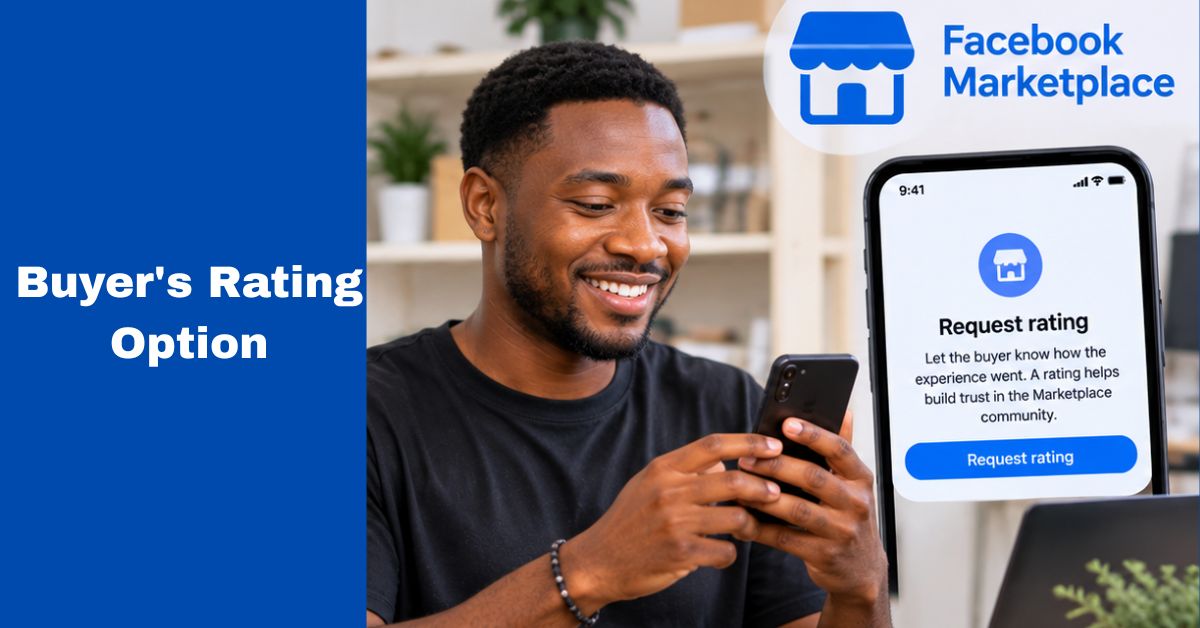
For sellers who use Marketplace regularly, feedback can become an important part of building credibility with future buyers. But there is a difference between rating a buyer and getting a rating from a buyer.
Facebook provides rating features for Marketplace interactions, and its Help Centre says buyer and seller ratings are provided through the Facebook app on iPhone or Android. Facebook also provides a specific help resource for requesting ratings from buyers.
If you have completed a genuine transaction and want the buyer to leave feedback, there are a few things worth understanding.
What Is a Facebook Marketplace Buyer Rating?
A buyer rating is feedback associated with a Marketplace transaction or interaction.For sellers, ratings can help communicate the experience other Marketplace users may have when dealing with them.
Facebook explains that seller ratings become public once the seller has received at least five ratings, while buyer ratings are private. This means ratings don’t work exactly the same way for buyers and sellers.
How to Request a Rating From a Buyer
The exact buttons and wording can change as Facebook updates Marketplace. Generally, start with the Facebook mobile app because Marketplace rating features are supported there.
Step 1: Open the Facebook app
Use the Facebook app on your Android or iPhone. Facebook’s Help Centre states that Marketplace buyer and seller ratings can be provided from the Facebook mobile app rather than Facebook.com or Facebook Lite.
Step 2: Open Marketplace
Go to Marketplace and locate your relevant selling activity or completed transaction. Your ability to request feedback may depend on the transaction and whether Facebook has made the rating option available for that interaction.
Step 3: Locate the rating option
Facebook’s interface can change, so don’t be concerned if the wording isn’t exactly the same as an older tutorial. Look for the relevant rating or feedback option associated with the transaction.
Step 4: Send the rating request
If Facebook presents a request rating option, use it to invite the buyer to provide feedback. The request should be simple.
You don’t need to pressure the buyer into giving you a particular rating. A polite message can be enough: “Thanks for completing the purchase. If you have a moment, you can leave feedback about your Marketplace experience.”
That keeps the request straightforward.
Why Sellers Ask for Ratings
A seller with genuine positive feedback can give future customers additional information when they are deciding whether to start a transaction. However, ratings should not be treated as proof that every transaction is safe.
Facebook itself notes that it does not verify whether users actually purchased the product or used the service they are reviewing or recommending on Marketplace. So a rating is feedback, not a guarantee.
Don’t Offer Fake Incentives for Reviews
If you want a rating, ask for honest feedback. Don’t tell a buyer that they must give you five stars before you will complete a transaction or offer something misleading in exchange for a positive rating.
A natural review from a genuine customer is more useful than artificially inflated feedback.
What If the Buyer Doesn’t See the Rating Option?
There are several possible explanations, the rating feature may not be available for that particular transaction.
- The buyer may be using Facebook on a platform where Marketplace ratings aren’t displayed in the same way.
- Facebook specifically says buyer ratings are only visible through the Facebook mobile app on iPhone or Android, while seller ratings have different visibility rules.
- The buyer may also simply have not completed the feedback process.
Ratings Are Different From Reviews and Messages
A Marketplace conversation in Messenger isn’t the same thing as a Marketplace rating. You may have a long conversation with a buyer without receiving a rating.
Likewise, a buyer may rate the experience without writing a long public review. Understanding this distinction can prevent sellers from assuming that a completed chat automatically means feedback has been submitted.
Keep Your Marketplace Transactions Professional
If you are trying to build a good selling history, ratings are only one part of the picture.
Other things matter too:
- Describe products accurately.
- Use clear photographs.
- Respond to reasonable questions.
- Don’t hide important defects.
- Agree on price before meeting.
- Use safe meeting arrangements.
- Keep transaction records where appropriate.
- Avoid suspicious payment arrangements.
Facebook’s shopping-safety guidance also encourages users to buy and sell responsibly and provides resources covering scams, seller verification, ratings and meeting safely.
What If a Buyer Gives You a Negative Rating?
Don’t immediately start an argument with the buyer, first determine what happened. If the complaint is legitimate, use it as feedback about how you can improve your listings or transactions.
If you believe the rating violates Facebook’s rules or relates to an inappropriate situation, use the reporting or support options available on Facebook rather than attempting to retaliate.
Conclusion
If you are looking for how to request a rating from a buyer on Facebook Marketplace, start with the Facebook mobile app and check the rating options associated with the completed transaction.
Facebook provides Marketplace rating features, but availability and the exact interface can vary.
Most importantly, ask for honest feedback rather than trying to pressure buyers into leaving a particular rating. Good communication, accurate listings and responsible transactions are still more important than the number attached to your Marketplace profile.